
Setting up Velocity WMS Connections
Step 1:
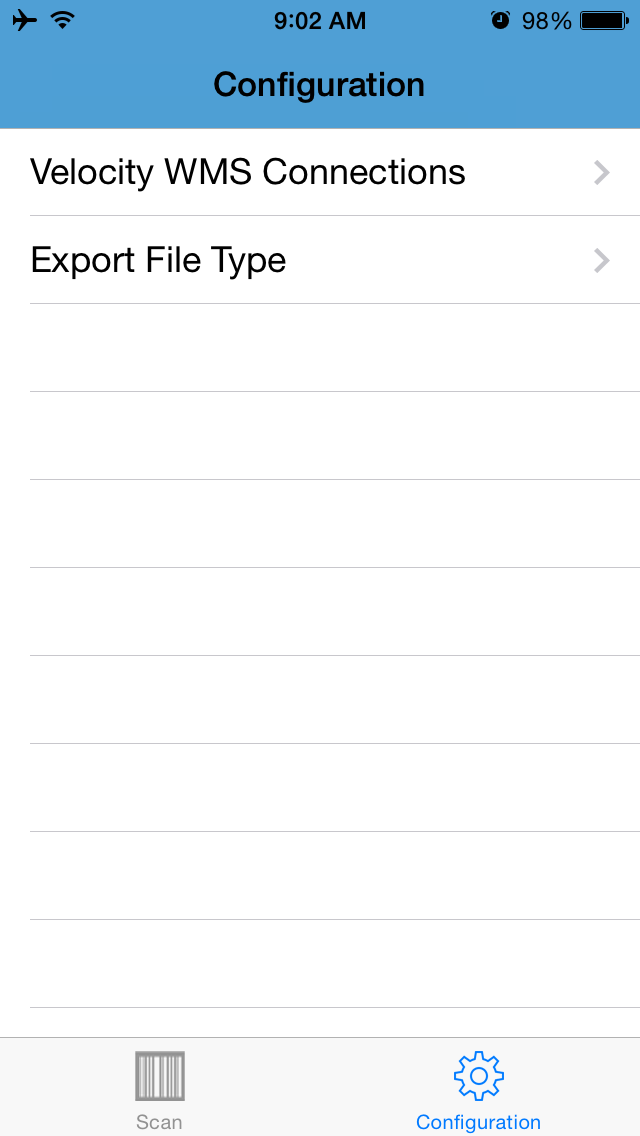
Click on the configuration tab.
Step 2:
Click on Velocity WMS Connections then click on the plus icon at the top.
Step 3:
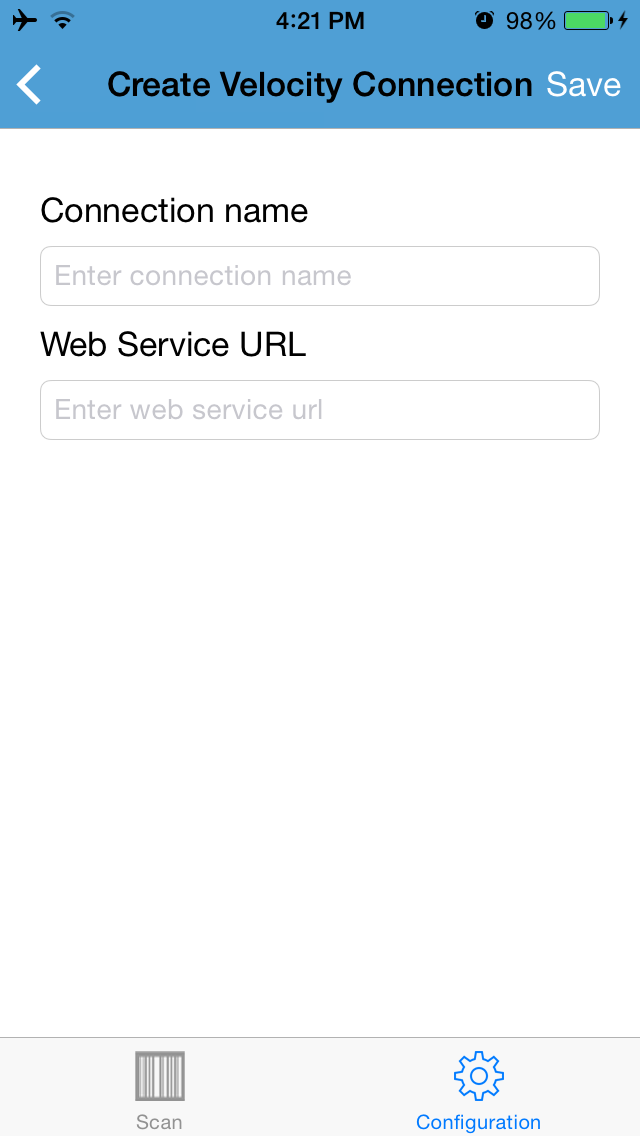
Give your connection whatever name you want. Call to request the web service URL.